
How to play
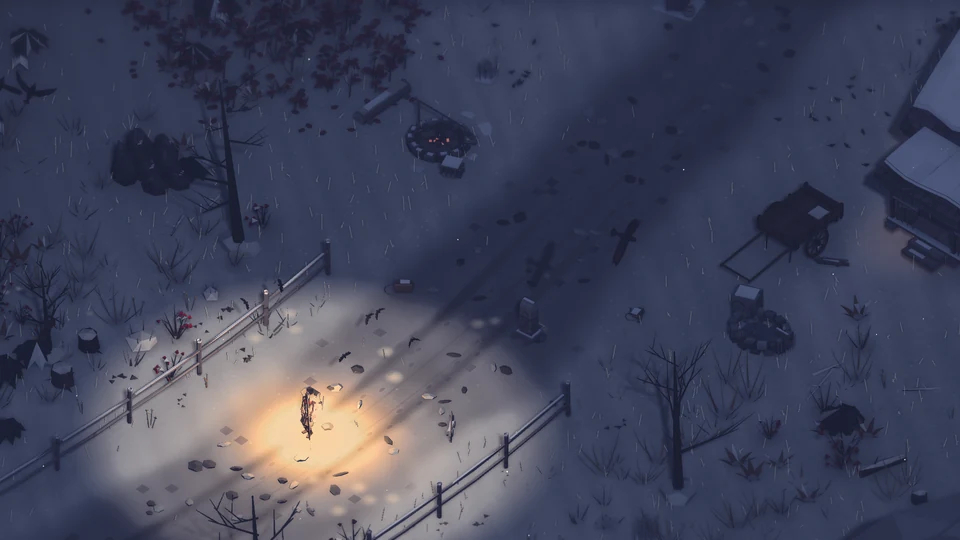
Walk. Gather. Light the fire.
Everything the traveller can do, on a keyboard or under your thumbs. Every key can be remapped in the game.
Start here
Your first night
You start with almost nothing. The first night teaches you the rest.
Walk the road
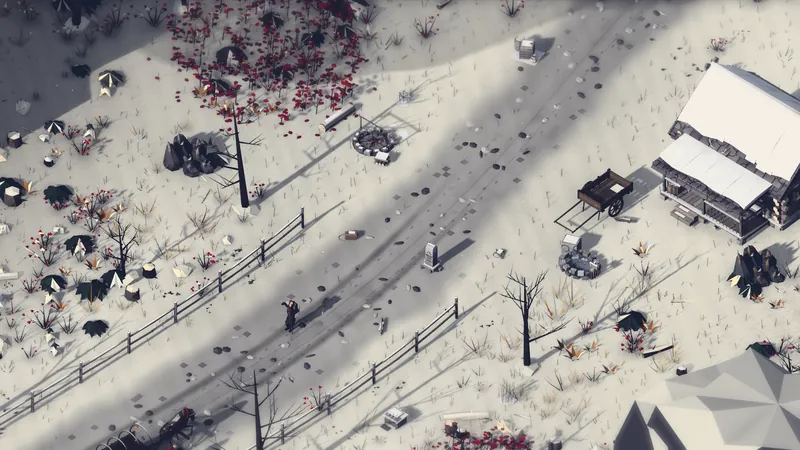
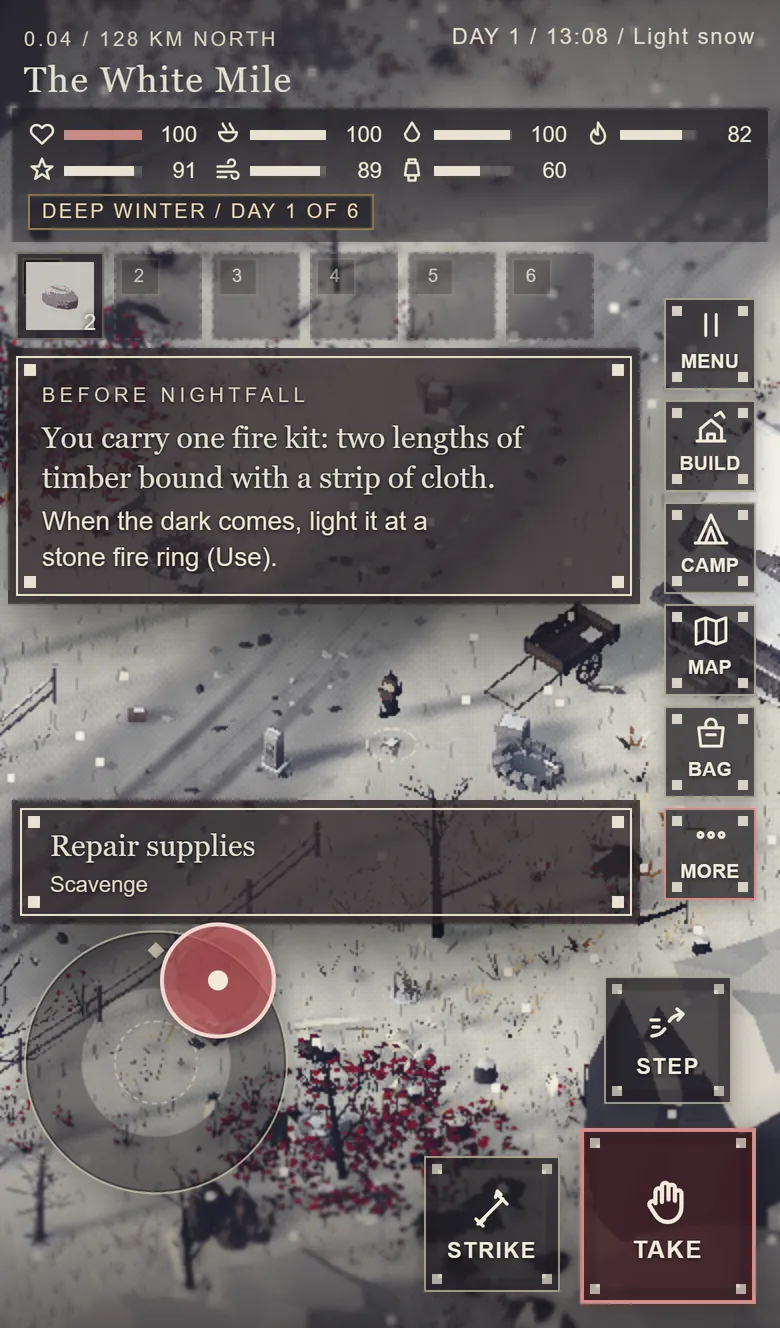
You start on the White Mile with one basic fire kit: two lengths of timber bound with a strip of cloth. Scavenge the verge as you go.
Light your first fire
When the dark comes, find a stone fire ring and use the kit (E, or Use on a phone). Fire is warmth, and light holds the prowlers at its edge.
Read the Field Note
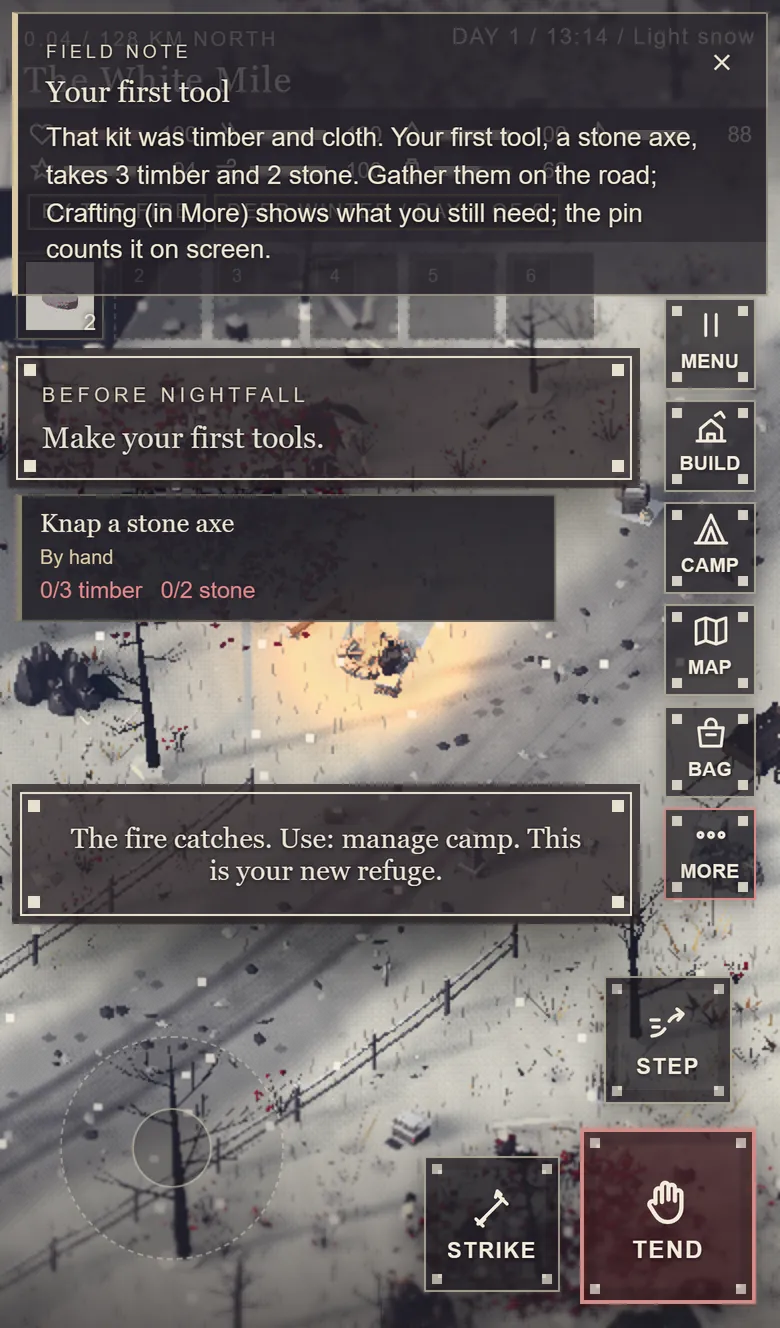
Your first fire teaches your first tool: the stone axe, 3 timber and 2 stone. The note pins it, and counts what you still need on screen.
Gather and knap
Loose stones and fallen timber lie along the verge. Open Crafting (C) to knap the axe, then a stone pick.
Keep the lantern lit
Your lantern (L) burns fuel, dim or bright. Pitch camp (B) away from the road before the next night, and the road opens up.
Sign in at first dawn
Play your first night as a guest. At the first dawn the game asks you to sign in with a free Google account; the night you played carries over, and your journey follows you to every device.
Keyboard and mouse
The controls
Press F1 in the game for this list, with your own bindings.
Move
- WASD
- Walk. Relative to the camera; the arrow keys work too.
- Shift
- Run. Hold to hurry. Double-click the ground to run there. Running uses breath.
- Ctrl
- Crouch-walk. Hold to move quietly; animals notice you less.
- Click
- Walk to. Left-click the ground to find a safe route there.
- Wheel
- Camera. Zoom the camera in and out.
Act
- E
- Use. Gather, fell, mine, talk, trade, read, recover; at open water, fish.
- L
- Lantern. Off, dim or bright. Light holds the horrors back, and burns fuel.
- F
- Eat. Eat a ration.
- ShiftB
- Bandage. Dress a wound.
- R
- Hunter’s sense. Show fresh tracks toward nearby animals.
- Y
- Mount. Ride a tamed stag, ox or camel (needs a saddle).
- Right-click
- Actions. Context actions for whatever you point at.
- 1–6
- Hotbar. Food, remedies and torches, 1 to 6.
Fight
- Space
- Strike. A staff strike at the nearest foe or quarry in front of you.
- X
- Bow. Loose an arrow at the target nearest your pointer.
- Q
- Quick step. Sidestep, on a one-second cooldown.
- Tab
- Brace. Hold to block. Brace just before a blow lands to parry and stagger the foe.
- Z
- Auto-fight. Strike hostiles in reach and answer whoever hits you.
Camp and build
- B
- Camp. Pitch the moving camp away from the road; at the camp: fire, sleep, pack up, found a settlement.
- G
- Build. Build and farm inside a settlement; at a pitched camp, arrange the camp.
- C
- Crafting. Every recipe: what you can make now, what is missing and where.
- T
- Cart. Take or park the handcart. Shift+T opens the train.
Panels
- I
- Satchel. What you carry.
- M
- Map. Route, region map and journal.
- N
- Company. Your people. Shift+N opens Mission Control.
- ShiftL
- Landships. Fleet, deck, crew, engine and fuel, cargo, construction.
- P
- Skills. The skill tree.
- F1
- Controls. Every key, in the game.
- H
- Hide UI. A clean view for pictures.
- K
- Save. Save the journey (autosaves keep three recent points).
At the helm
Driving a landship
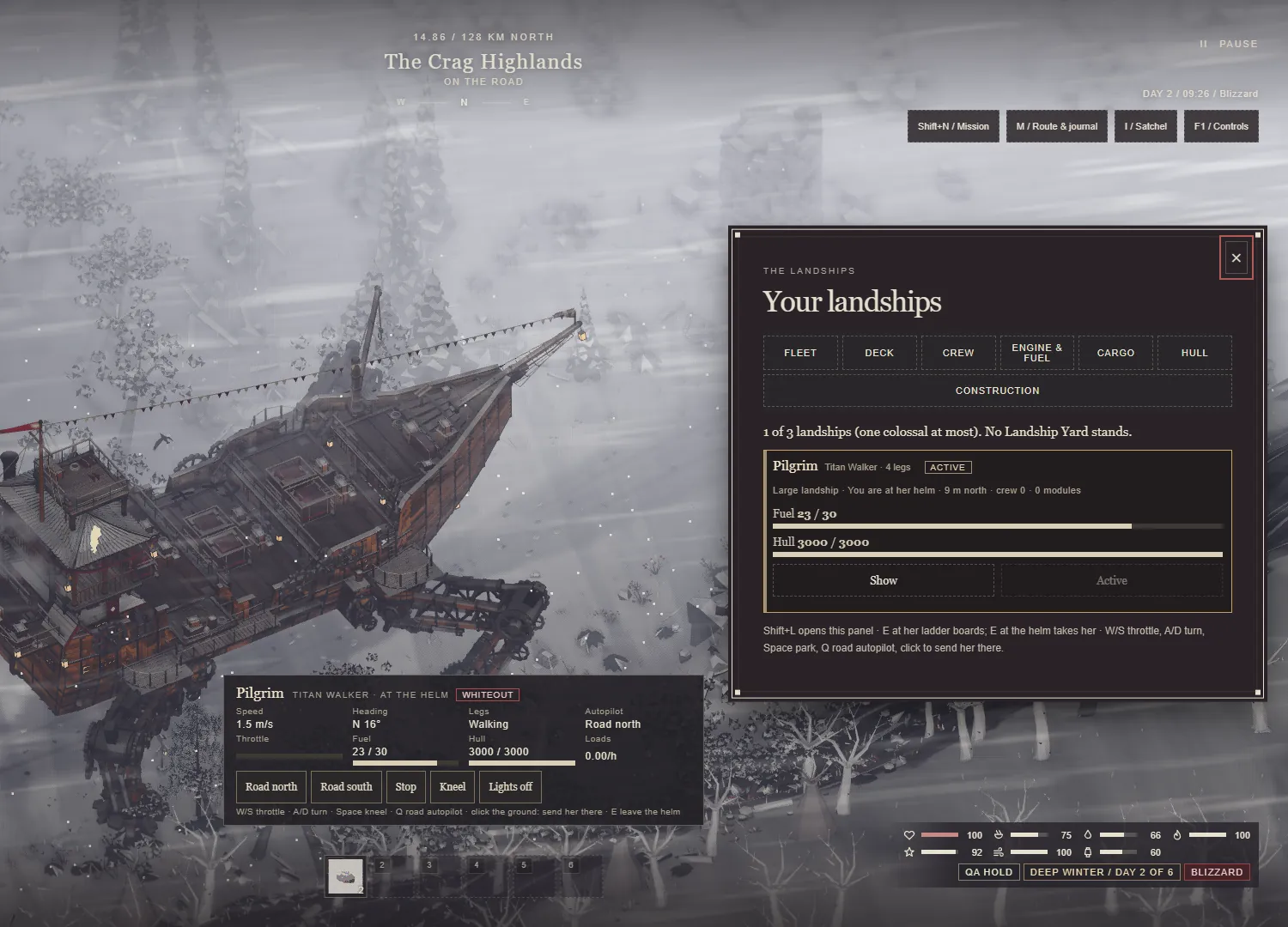
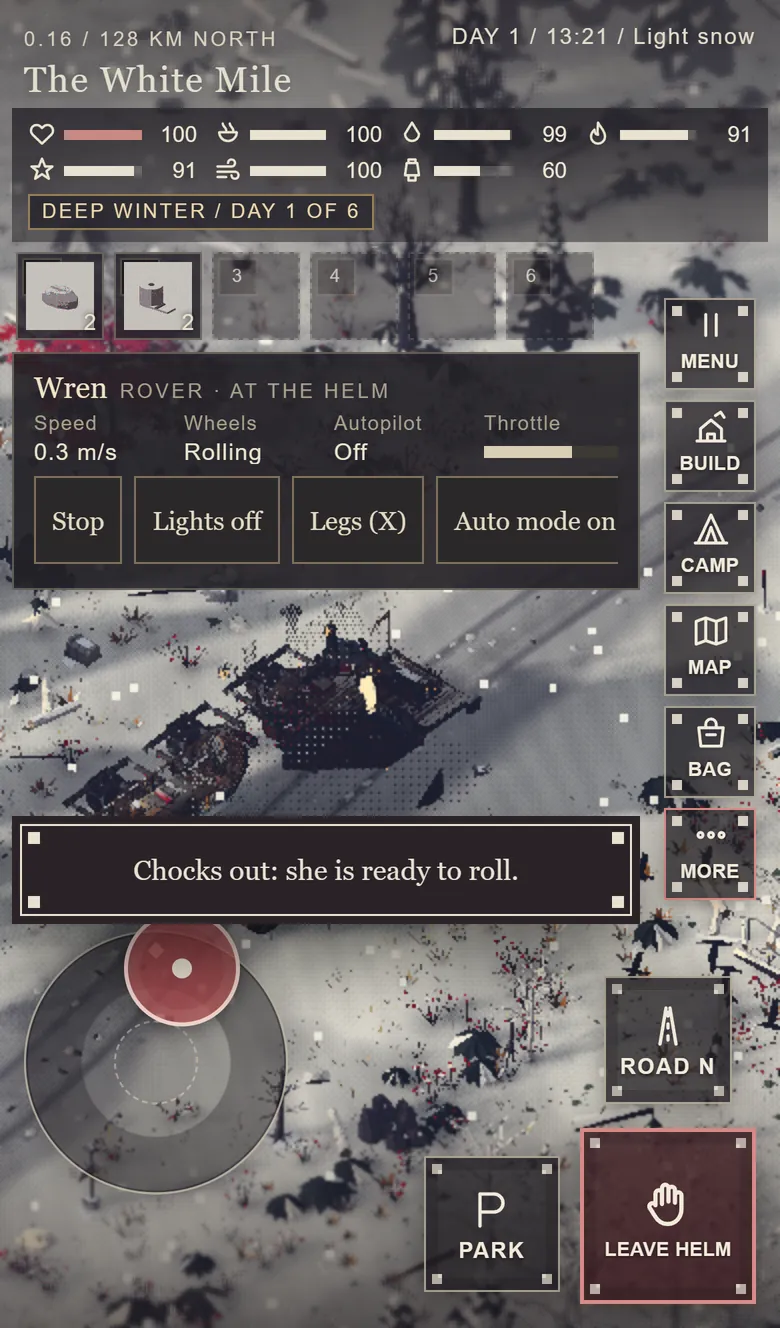
Park her (she kneels), walk to the ladder and press E to board. Walk her decks as she moves, then press E at the helm to take it.
- WS
- Throttle
- AD
- Turn
- Space
- Park or kneel
- Q
- Road autopilot: north, south, off
- X
- Spotlights (the Rover: stand up or roll)
- Click
- Send her there
- E
- Board at the ladder; take or leave the helm
Shift+L opens the landship panel: build, fleet, crew, deck map, cargo, engine and modules. The Landships update (1.9) is out.
Phones and tablets
Two thumbs
- Left thumb: the stick. It appears where your thumb lands. A light push crouch-walks quietly, a firm push walks, the rim runs.
- Right thumb: three plates. Use (it takes its name from what is in front of you: Take, Gather, Fell, Talk, Trade), Strike and Step.
- The row. Menu, Build, Camp, Map, Bag and More. More lists every action in the game, with its key.
- The world. Tap to walk there, tap twice to run, press and hold for the action list, pinch to zoom.
- At the helm. The stick drives the throttle and the turn; the plates become Leave helm, Park or Drive, and Road autopilot.
Touch mode turns on by itself on a touch screen; Settings, Keys, Touch controls lets you choose Auto, On or Off.